Choose your services
Primary service type, then one card per category.
This is for editing an existing profile. To create a profile for the first time, see Set up your profile. Onboarding only asks for your service type; this page is where the full list lives.
The Services page has one card per category. Clients filter the directory by these, so only tick what you actually offer and update the list whenever it changes.
How to open the Services page
- Open the dashboard menu (the button in the top left on a phone).
- Tap Profile, then Services.
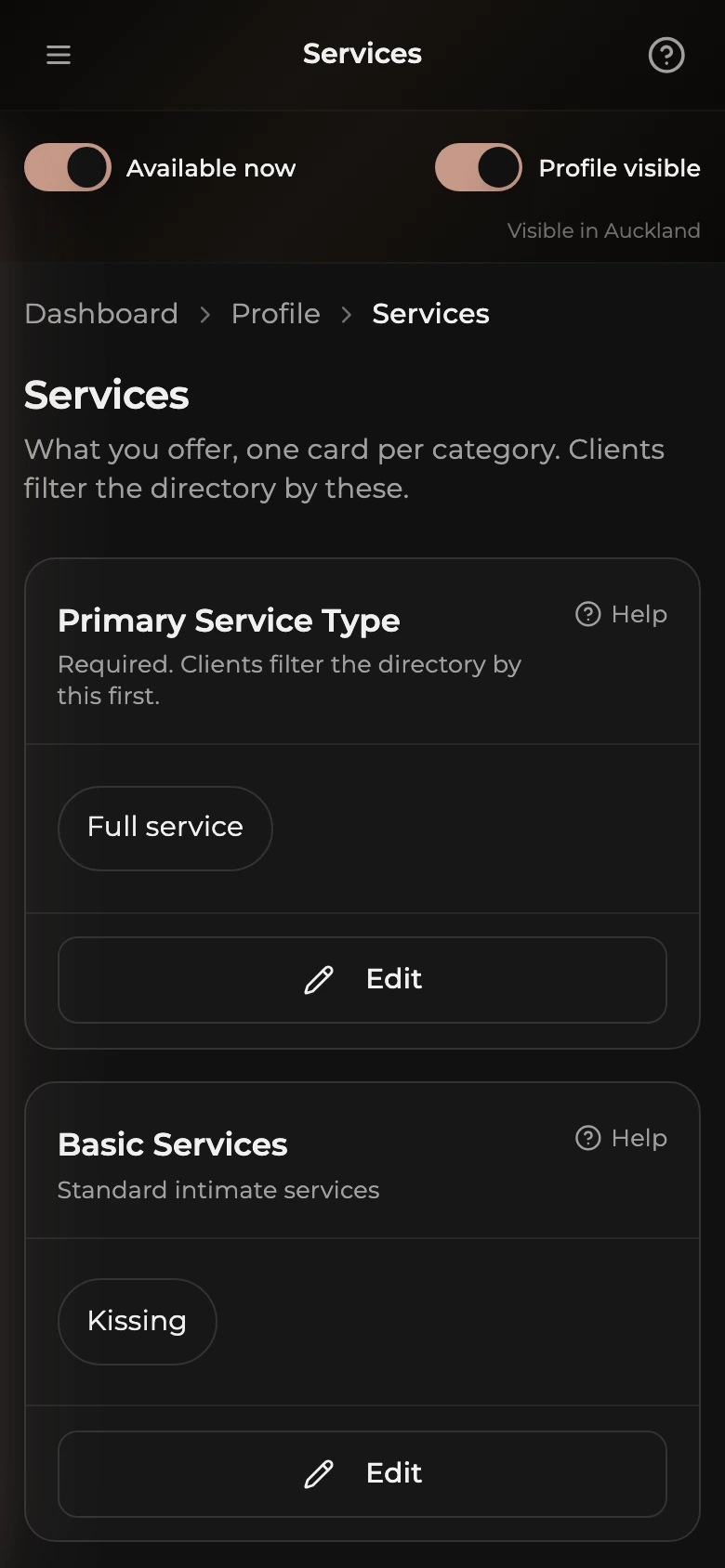
How to set your primary service type
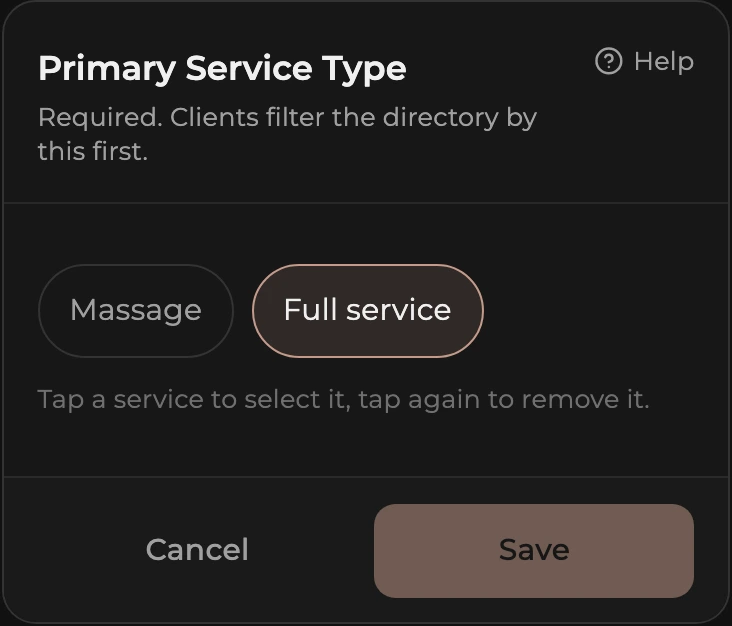
This one is required. It is the first thing clients filter by.
- Tap Edit on the Primary Service Type card.
- Tap Massage, Full service, or both. A tapped chip is selected; tap it again to remove it.
- Tap Save.
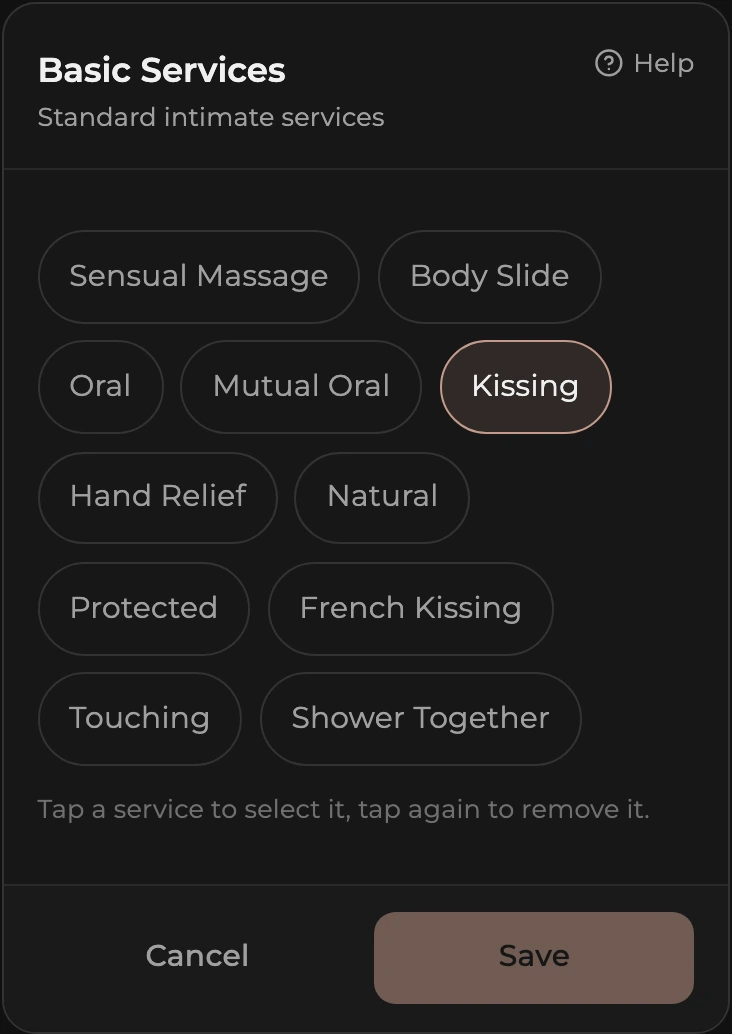
How to choose services in a category
The categories are Basic Services, Extended Services, Social Services, Fetish & Specialty, Meeting Preferences, and Experience Types. Each card shows what is selected, or None selected.
- Tap Edit on the category card.
- Tap a service chip to select it, tap again to remove it.
- Tap Save. Only that category is saved, the others are untouched.
Your public profile shows services as plain chips grouped by category. There is no featured or highlighted service, so the order you tick them in does not matter.