Get verified
One photo with the rock on hand sign, then a three minute ID and selfie check. Badge appears instantly.
Verification has two quick steps: one photo that proves the profile is yours, then an automatic ID and selfie check that runs right on the page. In almost every case there is no waiting on a review queue. When the checks clear, the ID verified badge appears on your profile straight away, with the month of the check next to it. Occasionally a check needs a short final review first; the page tells you if that happens, and there is nothing more for you to do.
Verification appears once your profile has been submitted for review: until then there is no Verification item in the menu and nothing to verify. You do not have to wait for the review to finish. Profile review and verification run in parallel, so you can start the moment you tap Submit for review.
Step 1: the verification photo
This is a photo of you, taken for Muse. It is not your ID. Your driver licence or passport is scanned in step 2, so please do not upload it here.
If your face is visible in your profile photos: upload a clear photo of your face. That is all.
If your face is blurred or hidden in your profile photos: take a new photo like the example on the page. A rock on gesture with one hand (index and pinky fingers extended), and a piece of paper in the other showing today's date, the word Muse, and your display name. Wear the same outfit as one of your profile photos, or show matching tattoos, so we can tell it is you.
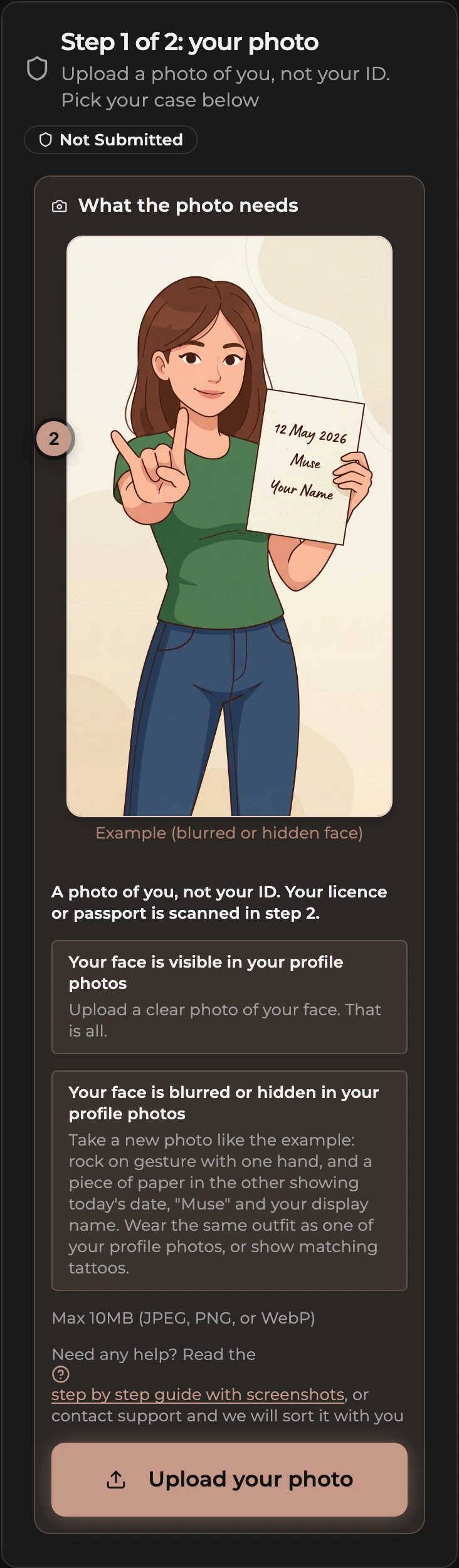
- Good lighting, no filters or edits.
- One photo, JPEG, PNG, or WebP, up to 10MB.
Step 2: the ID and selfie check
As soon as your photo uploads, the ID check appears on the same page. It takes about three minutes.
On your phone: it opens right there, just tap Continue.
On a computer: use Copy link and open the link on your phone, or scan the QR code the check shows. Your phone has the better camera for the selfie and ID scan. This page updates on its own when you are done.
It asks you to:
- Take a quick selfie. This confirms a live person and that your face matches your verification photo and the photo on your ID.
- Scan a government-issued ID (passport, driver licence, or national ID). This confirms you are 18 or older.
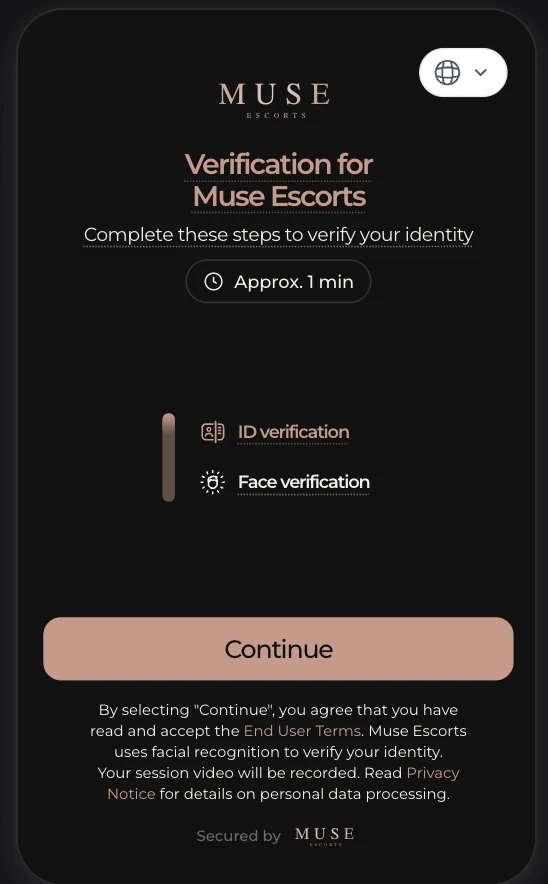
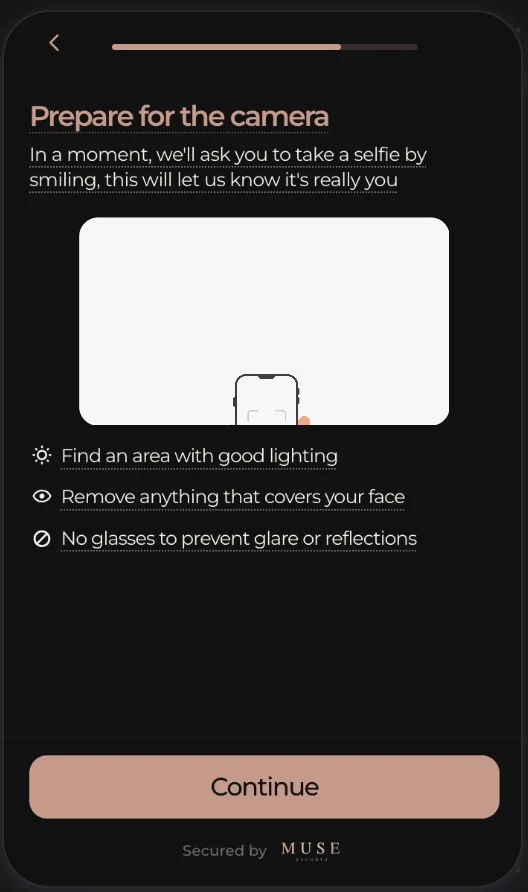
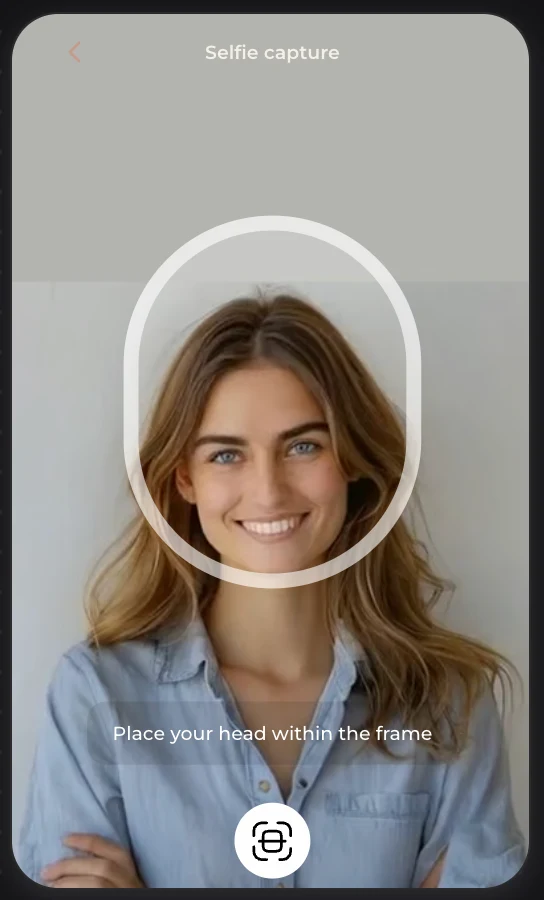
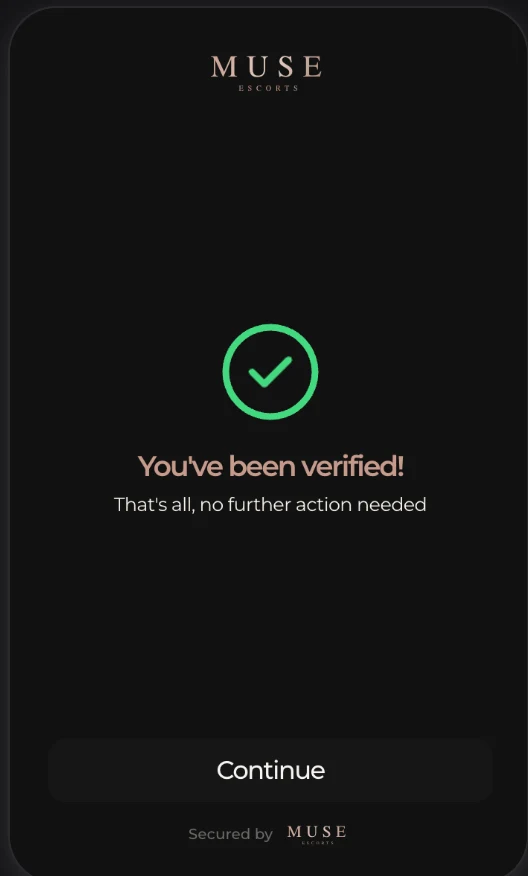
The check is handled by a specialist identity verification service. Muse never sees or stores your ID, your legal name, or your date of birth. We only receive a pass or fail result. The verification service deletes the ID and selfie once the check is processed and keeps only a numeric code, so one person cannot verify several profiles. Your verification photo is also deleted once you are verified.
How to start
- Submit your profile for review first if you have not already. Then, from your dashboard, tap Verify now under the welcome line, or Verify in the profile health checklist, or open Verification from the dashboard menu. Agencies open Verification from the menu, which lists every submitted escort with her status, or tap Verify on her card in the Escorts list (the button appears once she is submitted).
- Look at the example photo shown next to the requirements. Match it.
- Tap Upload your photo and pick the photo.
- Finish the ID and selfie check that appears below.
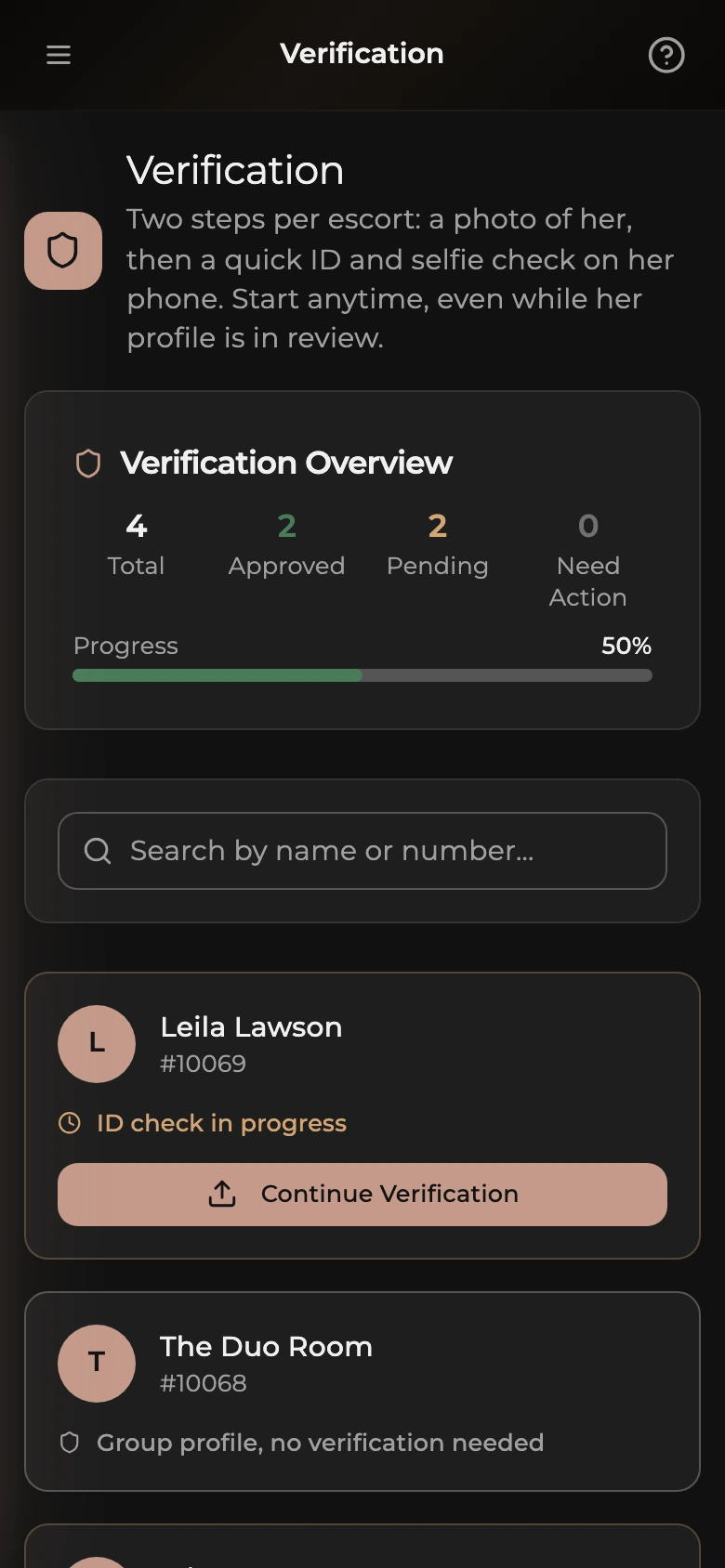
Agencies: if the escort is not with you, use Copy link under the check and send it to her. The page updates automatically when she finishes on her own phone.
If you close the page part way through, come back any time. The check picks up where you left off. Links stay valid for 7 days, after which a fresh check starts automatically.
If the check is declined
You will see the reason on the same page (for example, the selfie did not match the verification photo, or the ID could not be read) and a Try again button. Most declines come down to lighting or camera quality:
- Use your phone rather than a laptop webcam.
- Find good, even lighting with no strong backlight.
- Scan the ID on a dark, non-reflective surface, with the whole document in frame.
- Make sure the selfie is the same person as the verification photo, with nothing covering your face.
If the decline was because the selfie did not match your verification photo, retrying against the same photo will not help, so the page asks you to upload a new, clearer photo instead of offering a retry. Other declines can be retried with the same photo, with a limit of a few attempts per hour per profile. If it still will not pass, contact support from your dashboard and pick the Verification category.
One decline has no retry at all: if the same person is already verified on another profile, the page says This check could not be approved. Contact support if you think this is a mistake. Each person can hold one verified profile.
About the verification photo review
Our team separately checks that your verification photo matches your listing, by face if your profile photos show it, or by outfit, tattoos, or features if not. This happens in the background and does not hold up your badge.
What clients see
Clients see an ID verified chip beside your name on the directory card and at the top of your profile, with the month you were checked. At the foot of your profile a short box called “What Muse checked” lists the three things the check established: your government ID passed the document check, your live selfie matched that ID, and the ID shows you are 18 or over. It also states that this is an identity check only and says nothing about your photos, rates or services. Nothing from your ID is shown, only the result and the date.