Set up your agency
Walk through the new-agency wizard and add your first escort.
This guide walks every step for an agency owner or manager setting up the agency account and the first escort under it. Only sign up here if you run the agency. Escorts who work for an existing agency should ask the agency to add their profile rather than creating an account themselves.
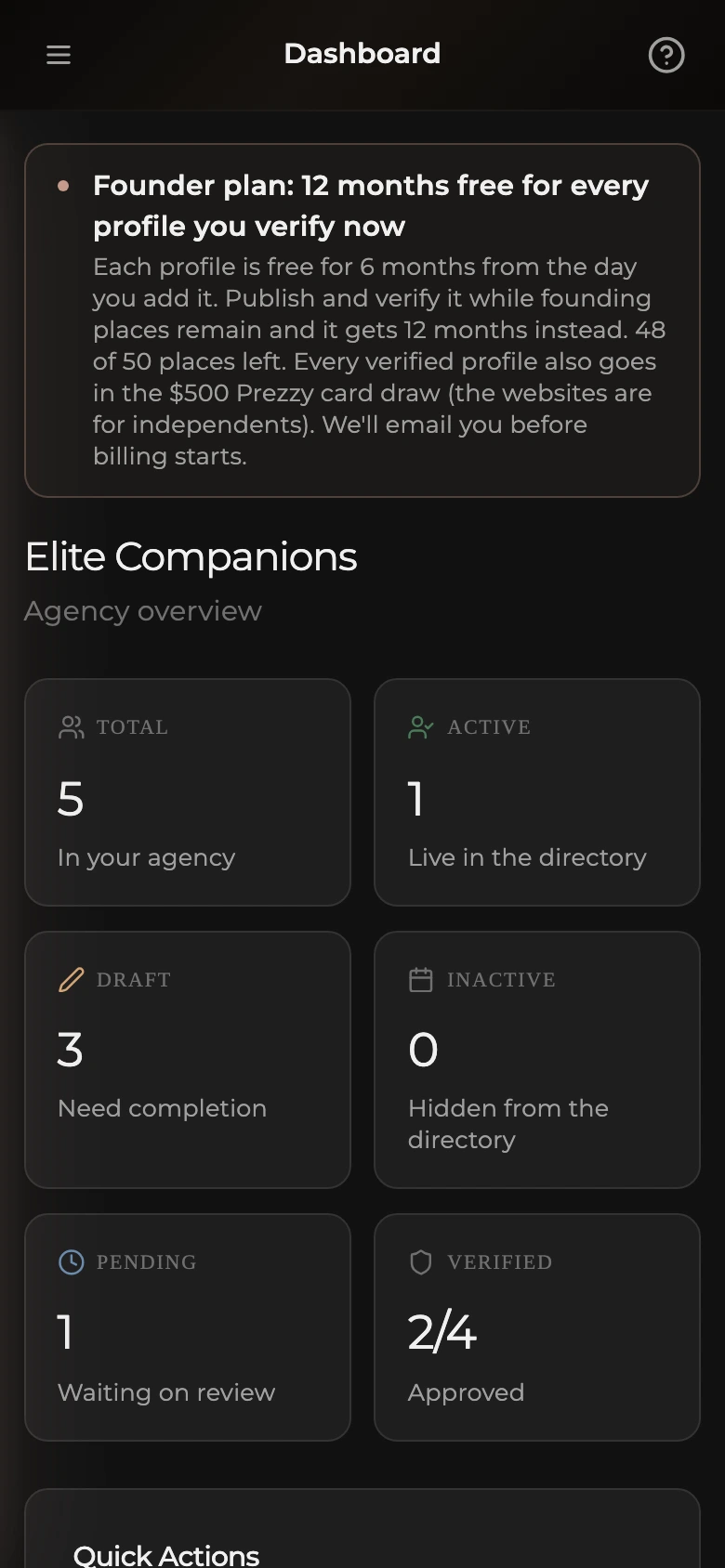
The wizard is the one-time setup. After it finishes, your dashboard unlocks and any further escorts are added from there. To change anything later, open the escort from the Escorts list; her pages work like the ones in Edit your profile.
The whole flow takes about five minutes. We verify your account once, then walk through the first escort. Your progress saves as you go, so you can close the tab and pick up where you left off. To leave at any point, use Logout in the top left. There is also an Ask for help link in the top right that opens this help site in a new tab.
Welcome
- Read the short summary of what you will need (account phone verification and operator terms, a name and operating area for the escort, three or more photos, an hourly rate, and a short description).
- Click Get started to begin.
Verify your account phone
This is the contact number for the agency account itself, used for support and recovery codes. You only do this once. Escorts on your roster do not verify a phone number each; this check covers them all.
- Type your number into Account phone number, without the leading zero (for example, +64 21 123 4567).
- Click Send verification code.
- Enter the code you receive into Verification code.
- Click Verify. If you mistyped the number, use Wrong number? Edit to go back. If the code did not arrive, click Resend code after the timer ends.
Import from another listing site (optional)
If the escort already has a profile on another listing site, paste the URL here and the details import automatically across the remaining steps. Phone numbers and photos are never imported. You upload those yourself. This step is optional. You can skip it and fill everything in by hand.
- Paste the existing profile URL into Profile URL.
- Click Import and continue and wait for the import to finish (usually 20 to 40 seconds, do not close the tab).
- To skip, click Skip, I'll fill it in myself.
Add the escort's name and details
Whatever you import, the next screens ask you to verify each detail and edit anything that is wrong.
- Fill in Display name (between 2 and 60 characters).
- Pick the Nationality from the search list.
- Enter the Age. The escort must be 18 or over to list.
- Click Continue.
Pick the operating location
- Select the Region from the dropdown.
- Select the Suburb from the dropdown below it.
- Click Continue. Travel and tour locations are added later from the dashboard.
Write the description
Two or three sentences is plenty. Write what clients should know before they get in touch.
- Type the description into the About you text area.
- Keep typing until you reach the 40 character minimum (the helper text counts down).
- Click Continue.
Upload the photos
At least three photos are required, and you can add up to ten. The first photo becomes the main one. Drag tiles to reorder.
- Click the photo uploader or drag images onto it.
- Wait for each upload to finish.
- Drag a photo to the first position to make it the main photo.
- Click Continue once at least three are uploaded.
Set the hourly rate
- Enter the one-hour rate into Hourly rate. Amounts are in NZD, the field shows a $ sign for you.
- Click Continue. Other lengths, packages, tours, and special rates are added later from the dashboard.
Choose the services
- Tap Massage, Full service, or both, depending on what the escort offers.
- Click Continue. Specific services like dinner dates, GFE, or fetish work are added later from the dashboard editor.
Sign the agreement
Six confirmations are required for an agency listing (compared with three for a solo escort). They cover both you, as the operator submitting on behalf of the agency, and the escort being listed. The profile will not be submitted to admin review without all six.
- Tick that you are 18 years of age or older.
- Tick that you are authorised to list this escort and that the agency operates legally in New Zealand under the Prostitution Reform Act 2003.
- Tick that the escort is 18 years of age or older.
- Tick that the escort has the legal right to work as an adult companion in New Zealand.
- Tick that the escort has given explicit consent for the agency to list this profile on her behalf.
- Tick that you have read and agree to the Terms of Service and Privacy Policy, then click Submit profile.
You're done
The profile is now in the queue for admin review and usually goes live within 24 hours. Editing is locked during review, but your agency dashboard unlocks straight away so you can track status, add more escorts, and submit photo verification for this one in parallel.
- Click Go to dashboard to open your agency dashboard.
- Watch your inbox for the approval email.