Sign up for an account
Create your Muse account as Independent or Agency.
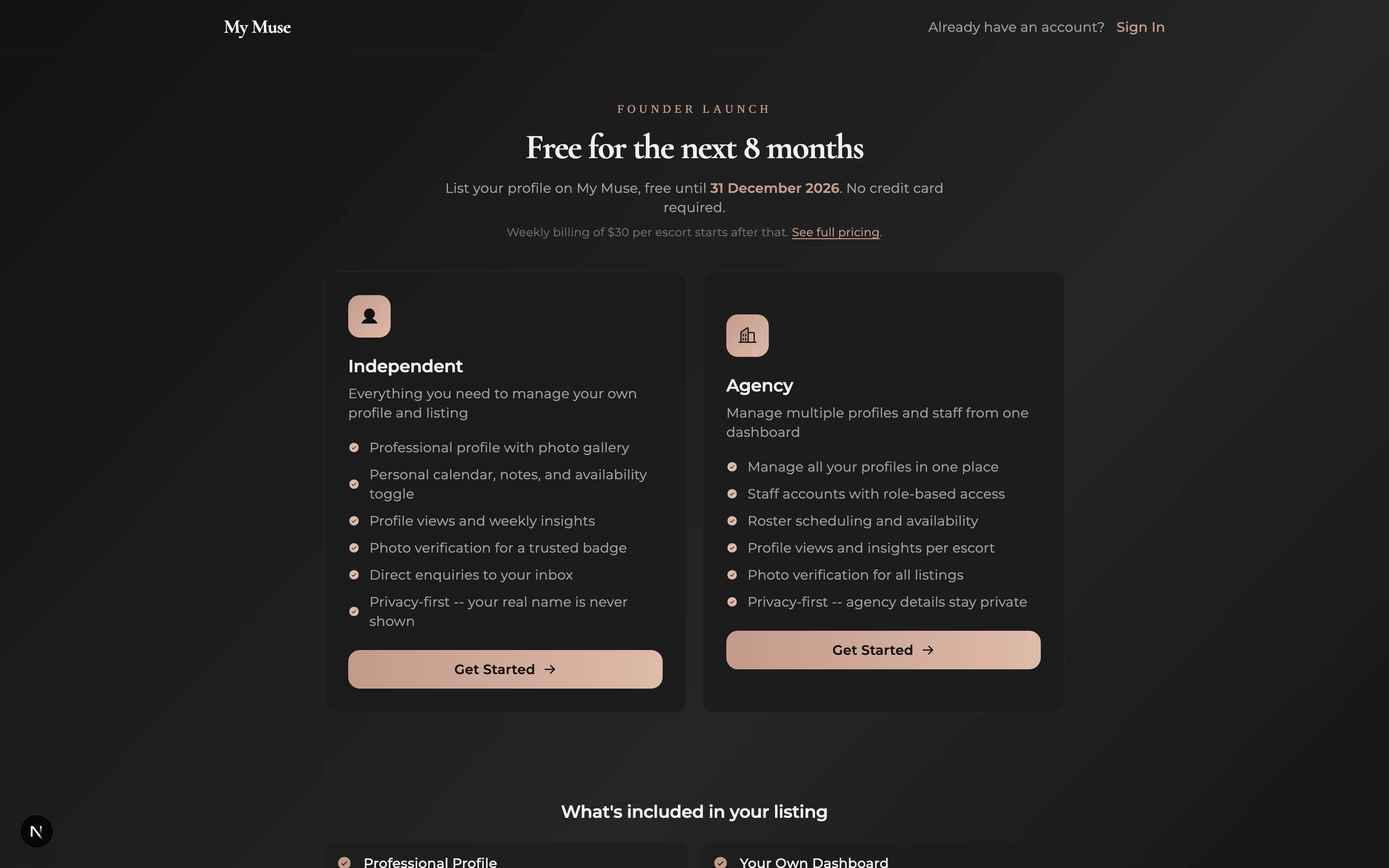
Muse has two account types. Pick Independent if you are a solo escort listing yourself. Pick Agency if you own or manage an agency and want to list a roster on their behalf. Independents own one profile. Agencies own a roster of profiles plus optional staff accounts under one login.
If you are an escort who works for an existing agency, do not sign up at all. Ask your agency to add your profile to their roster instead. If you have already started a Muse profile as an Independent and have since joined an agency, see Move your profile to an agency.
Pick your account type
- Open the Sign up page. The first step asks Who are you listing?
- Tap the Independent card if you are listing yourself.
- Tap the Agency card if you are an agency owner or manager listing several escorts.
- The card you tap takes you straight to the account form for that type.
Create your account
- If you picked Agency, type your agency name into Agency name. There is also a reminder above the form that this creates an agency account, not an escort profile.
- Type your name into Full name.
- Type your email into Email address. Use one you actually check, since the verification code and account notices land there.
- Set a password of at least 8 characters in Password.
- Tick the box confirming you are 18 or older, and the box agreeing to the Terms of Service and Privacy Policy.
- Hit Create account. We email you a 6-digit code, you type it into Verification code, and tap Verify email. If the email does not show up in a minute, hit Resend code.
What happens after you verify
- You land on a short setup screen that says Setting up your dashboard. Give it a few seconds while we prepare your account.
- You go straight into the onboarding wizard. It walks you through phone verification, your profile details, photos, and rates. It cannot be skipped; the dashboard opens once it is done.
- Independents can follow the escort onboarding guide. Agencies can follow the agency onboarding guide.
If you signed up as the wrong type
Account type is locked in at signup, and there is no switch for it inside the dashboard. If you picked the wrong one, contact support before you finish the wizard or publish anything, and we will sort it out. The profile data is structured differently for Independent and Agency accounts, so finishing the wizard on the wrong type creates a mess that is harder to undo later.